

How Do I Create SOPs and Systems in My Small Business Without Burning Out?
If you started your business to create more flexibility, only to discover that you’re now responsible for every task, every decision, every process, and every problem, you’re not alone.
For many small business owners, especially solopreneurs and working moms, building systems sounds like one more project to add to an already overwhelming list.
You know you need standard operating procedures (SOPs).
You know you should automate repetitive tasks.
You know your business needs better systems before it can grow.
But when are you supposed to build all of that when you’re already trying to run the business?
The answer isn’t to stop everything and spend the next month documenting your company.
Instead, build your systems while you run your business.
That is how you create structure without creating another source of burnout.
Why Small Business Owners Need Systems Before They Feel “Ready”
There’s a common misconception that SOPs are something you create once you hire employees or become a larger company.
But systems are often even more valuable when you’re a team of one.
When everything exists in your head, you become the operating system of the business.
You have to remember:
What needs to happen next
How each task gets completed
When clients need follow-up
Where documents are stored
Which emails need to be sent
What information needs to be collected
Which tasks happen every week
What you promised yourself you would eventually automate
That mental load adds up.
An SOP takes something your brain currently has to remember and turns it into something your business can repeat.
You don't need SOPs because your business is big. You create SOPs so your business doesn't require you to remember everything.
Start With Repetition, Not Documentation
One of the biggest mistakes I see business owners make is deciding:
“I need to document my entire business.”
That immediately turns systems into a massive project.
Instead, start by asking:
What am I doing repeatedly?
Look at your normal week.
Maybe you:
Onboard clients
Respond to inquiries
Send invoices
Publish social media content
Update your CRM
Follow up with leads
Create proposals
Schedule appointments
Deliver products or services
Review finances
Plan your week
Manage customer requests
Every repeated activity is a potential process.
You don't need to document all of them today.
You simply need to start identifying them.
Step 1: Create a Simple Process Inventory
Before writing SOPs, create a list of the recurring processes inside your business.
Organize them into categories.
For example:
Sales
Lead intake
Discovery calls
Proposal creation
Follow-up
Closed Won / Closed Lost
Client Management
Client onboarding
Kickoff
Project delivery
Status updates
Offboarding
Marketing
Content planning
Blog publishing
Email marketing
Social media scheduling
Lead magnet delivery
Operations
Weekly planning
File management
CRM updates
Invoice processing
Reporting
Finance
Expense tracking
Monthly reconciliation
Invoice follow-up
Budget review
Don't worry about documenting anything yet.
Your first goal is simply to make the invisible work visible.
Step 2: Prioritize the Processes Creating the Most Friction
Once you have your list, don't start at the top and work your way down.
Prioritize.
Ask yourself three questions:
1. What do I do most frequently?
2. What creates the most frustration or wasted time?
3. What would someone else need to understand if I delegated this tomorrow?
The processes that appear repeatedly across those questions should become your first SOPs.
For example, if you're constantly manually onboarding new clients, start there.
If you're repeatedly searching for the same information before creating proposals, document that process.
If every Monday morning starts with you trying to figure out what needs to happen that week, create a weekly planning system.
Your first SOP should solve a real operational problem, not simply give you another document to maintain.
Step 3: Document the Process While You're Doing It
You don't need to schedule four hours to write an SOP.
The next time you complete the task, document what you're already doing.
Open a simple document and capture:
Purpose: Why does this process exist?
Trigger: What causes the process to start?
Owner: Who is responsible?
Tools: What systems or platforms are used?
Steps: What happens from beginning to end?
Output: What indicates the process is complete?
Exceptions: What happens when something doesn't go according to plan?
That's your first version.
It doesn't need to be perfect.
It needs to be usable.
Step 4: Apply the Automate, Delegate, Eliminate Test
This is where documentation starts turning into operational improvement.
Once you've written down a process, don't automatically assume every step should continue.
Review each step and ask:
Can I eliminate it?
Does this step actually add value?
Businesses accumulate unnecessary work surprisingly quickly.
You may discover you're updating information nobody uses, creating reports nobody reads, manually transferring data that doesn't need to exist, or completing administrative steps simply because you've always done them.
Remove unnecessary work first.
Can I automate it?
Look for predictable actions such as:
Confirmation emails
Appointment reminders
Lead notifications
Invoice reminders
Form submissions
CRM updates
Task creation
Follow-up sequences
File organization
Automation works best when the underlying process is already clear.
Don't automate chaos. Standardize the process first.
Can I delegate it?
If someone else could perform the task with clear instructions, you've identified a delegation opportunity.
This is another reason SOPs matter before you hire.
Instead of eventually hiring someone and saying:
“I'll teach you everything I do.”
You can give them a documented process that already explains how the business operates.
Step 5: Create Systems Around Your SOPs
An SOP and a system aren't exactly the same thing.
An SOP explains how something should be done.
A system connects the people, processes, tools, automation, and accountability required to make sure it actually happens.
For example:
Your SOP might explain how to onboard a new client.
Your onboarding system might include:
Signed contract → payment received → CRM updated → welcome email sent → client folder created → questionnaire completed → kickoff meeting scheduled.
Some steps may happen automatically.
Others may require you.
Eventually, some may belong to another team member.
The goal isn't simply documentation.
The goal is creating a predictable way for work to move through your business.
Step 6: Build One System at a Time
You don't need to operationalize your entire company this weekend.
Choose one process per week.
Week 1: Document client onboarding.
Week 2: Improve your lead follow-up process.
Week 3: Document your content publishing process.
Week 4: Create your weekly CEO review.
At the end of a month, you haven't created an overwhelming systems project.
You've created four processes that no longer have to live entirely inside your head.
Do that consistently for six months and your business will operate very differently.
Step 7: Create One Home for Your SOPs
Another mistake small businesses make is creating documentation everywhere.
One SOP is in Google Drive.
Another is in an email.
Another is inside a project management tool.
Three more are sitting on someone's desktop.
Eventually, nobody knows which version is current.
Create one central location for your operational documentation.
Think of it as your Business Operations Manual or Knowledge Hub.
It might eventually contain:
Company overview
Roles and responsibilities
Business systems
Department processes
Master SOPs
Checklists
Templates
Automation documentation
Policies
Tools and technology
Reporting expectations
Review cadence
As your business grows, this becomes the operational foundation your team can rely on.
Step 8: Stop Trying to Make Every SOP Perfect
Your first SOP is a baseline.
It should evolve as your business evolves.
Maybe you discover three unnecessary steps.
Remove them.
Maybe you automate part of the workflow.
Update the SOP.
Maybe you hire someone who finds a better way to complete the process.
Improve it.
Operational documentation should be treated as a living system, not a finished binder sitting on a shelf.
The objective isn't perfect documentation.
It's repeatability.
How the Optima Method Approaches SOPs and Systems
Within the Optima Method, systems and SOPs primarily sit within two interconnected foundations:
Operations Foundation
This focuses on the structure required to run the business consistently, responsibilities, tools, workflows, organization, planning, accountability, and operational cadence.
Process Foundation
This takes recurring work and turns it into documented, repeatable processes that can eventually be optimized, automated, or delegated.
Together, these foundations help answer two different questions:
Operations: How should the business run?
Process: How should the work get done?
You need both.
Because documenting a broken process doesn't fix it.
And implementing new software doesn't automatically create a system.
The objective is to intentionally Create → Optimize → Operationalize the way your business works.
The Goal Isn't More Structure. It's More Freedom.
This is the part of SOP creation that often gets missed.
You aren't creating processes because your business needs more paperwork.
You're creating them because your business shouldn't depend on you remembering every detail.
Every well-designed process removes another decision from your head.
Every useful SOP makes delegation easier.
Every thoughtful automation reduces repetitive work.
Every clear system makes your business slightly less dependent on you.
And eventually, that structure creates something far more valuable:
Capacity.
Capacity to grow.
Capacity to lead.
Capacity to spend time with your family.
Capacity to step away without wondering whether everything will fall apart.
That's why I believe structure creates freedom.
Start With One Process This Week
Don't finish this article and create a new task called:
“Document entire business.”
Instead, ask yourself:
What is one thing I repeatedly do that I am tired of figuring out every single time?
Choose that process.
Write down the steps the next time you complete it.
Then ask:
Can I eliminate anything?
Can I automate anything?
Can I delegate anything?
Can I standardize anything?
That's how you begin building an operationally stronger business without creating another overwhelming project for yourself.
One process.
One improvement.
One system at a time.
Because your business shouldn't require you to hold everything together manually.
Build the structure that allows the business, and you, to breathe.
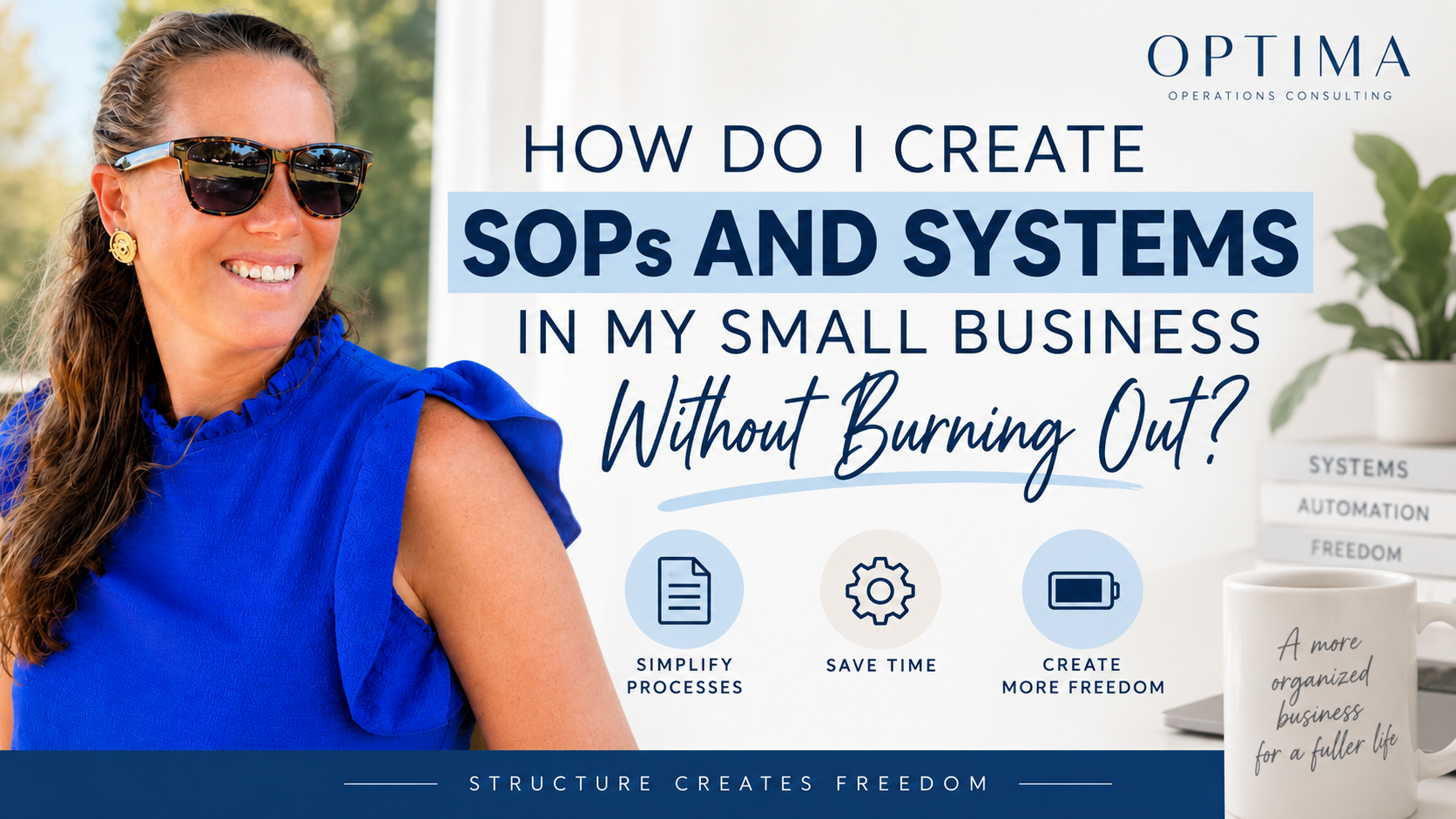
Optima Operations Consulting blog graphic featuring a small business owner with the message “How Do I Create SOPs and Systems in My Small Business Without Burning Out?” The image highlights simplifying processes, saving time, and creating more freedom through practical business systems and SOPs.
-
Start with the processes you repeat most often or the ones creating the most frustration, inconsistency, or manual work. Client onboarding, lead follow-up, invoicing, content publishing, and weekly planning are often good starting points. Within the Optima Method, the goal is not to document everything at once—it is to prioritize the processes that will create the greatest operational impact.
-
An SOP documents how a specific task or process should be completed, while a business system connects the process with the people, tools, automation, responsibilities, and accountability needed to make it work consistently. SOPs are an important part of your operational system, but the ultimate goal is to build a business that can function predictably without everything depending on you.
-
Don't try to document your entire business at once. Choose one recurring process and document it while you're already completing it. Then review the process to determine what can be eliminated, automated, delegated, or standardized. This is the approach behind the Optima Method: Create → Optimize → Operationalize, building structure gradually so your systems ultimately reduce your workload rather than