 Image 1 of 1
Your assessment showed you where to focus. This is how you build it, with AI doing the heavy lifting.
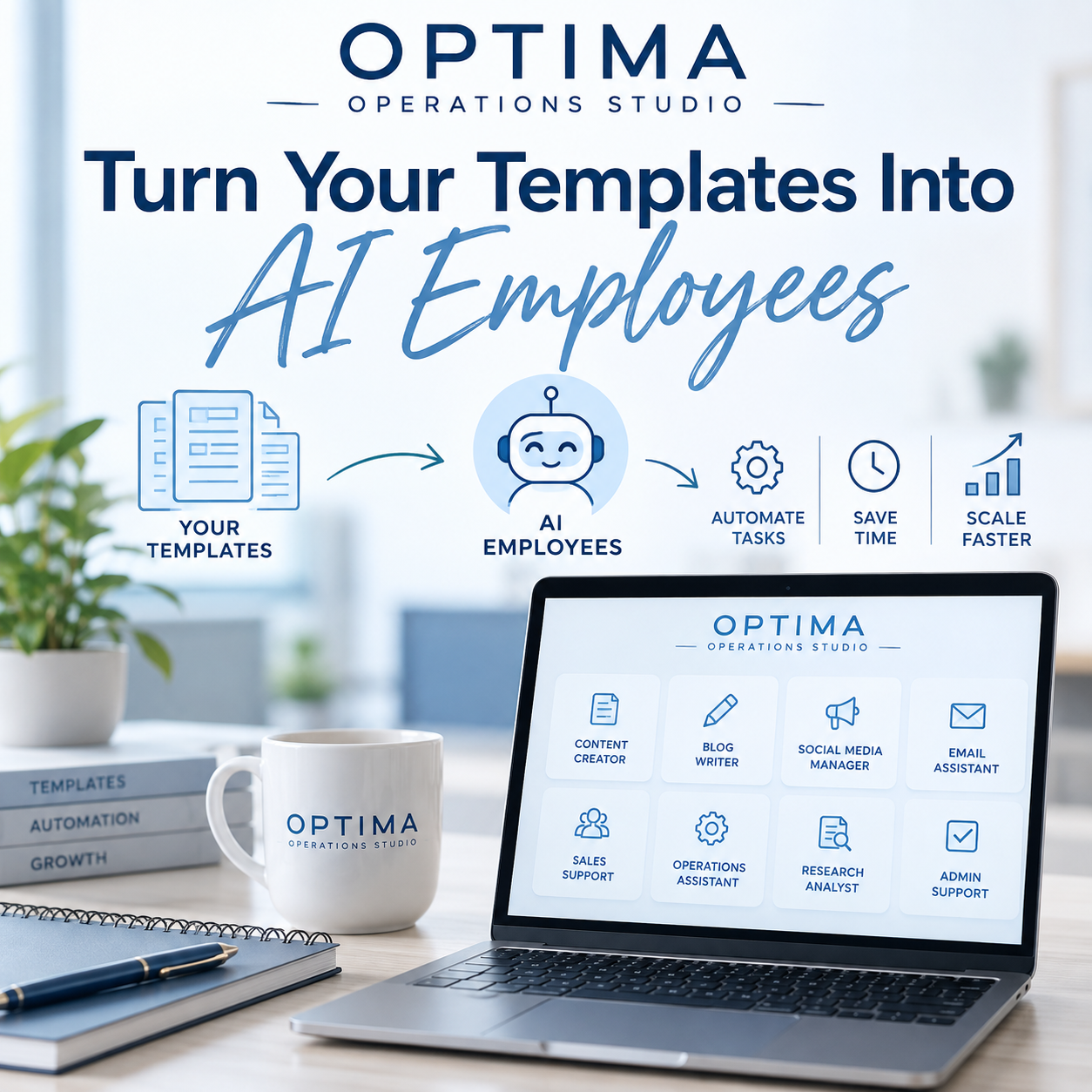
The Optima Operations Studio picks up where your Business Foundation Assessment leaves off. Enter your scores, choose from 50+ Optima Foundation templates matched to your priority areas, and the Studio builds you a ready-to-install Claude Skill in minutes.
Then the real work happens inside Claude. Your Skill coaches you through the template one question at a time, fills it in with you, and runs the Optima Prompt Formula after each section so you finish with clear next steps, not just a completed worksheet.
Then it hires your first AI employee.
When your document is done, Claude turns it into a second Skill: an AI employee with its own job description, operating model, scorecard and rules, trained on the document you just wrote. It prepares, drafts, summarizes and reminds you on a schedule. You approve anything that goes out.
What's inside
The Optima Operations Studio. Use it online or download it, and it works in any browser.
50+ Optima Foundation templates across Vision, Operations, Leadership, Process and Growth, including the Master SOP, Weekly Reset Checklist, CEO Planner, Delegation Framework, KPI Dashboard, Customer Journey Map and more. Personal Foundation templates are coming soon.
Built-in Optima Prompt Formulas that turn your answers into your three highest-impact actions.
Bring your own documents. Upload an SOP or workbook you've already written and automate it too.
A one-page Start Here guide so you're set up in minutes.
Made for busy business owners and parent entrepreneurs
Answer one question at a time, from your phone, between school runs.
Pause anytime and pick up right where you left off.
Tell Claude about your hours, family commitments and tools once, and every plan fits your real life.
Your answers stay with you. The Studio runs in your browser and only puts your details into the files you download.
How it works: the Optima Path
Assess: Enter your Business Foundation Assessment scores. Your lowest three become your priorities.
Act: Pick the template you want off your plate.
Build: Choose your sections and how Claude should coach you.
Install: Download your Skill, add it to Claude, and say "start my [template]."
What you'll need: a Claude account that can use Skills or Projects.
Build the foundation today so you can scale tomorrow.
Structure Creates Freedom.
Your assessment showed you where to focus. This is how you build it, with AI doing the heavy lifting.
The Optima Operations Studio picks up where your Business Foundation Assessment leaves off. Enter your scores, choose from 50+ Optima Foundation templates matched to your priority areas, and the Studio builds you a ready-to-install Claude Skill in minutes.
Then the real work happens inside Claude. Your Skill coaches you through the template one question at a time, fills it in with you, and runs the Optima Prompt Formula after each section so you finish with clear next steps, not just a completed worksheet.
Then it hires your first AI employee.
When your document is done, Claude turns it into a second Skill: an AI employee with its own job description, operating model, scorecard and rules, trained on the document you just wrote. It prepares, drafts, summarizes and reminds you on a schedule. You approve anything that goes out.
What's inside
The Optima Operations Studio. Use it online or download it, and it works in any browser.
50+ Optima Foundation templates across Vision, Operations, Leadership, Process and Growth, including the Master SOP, Weekly Reset Checklist, CEO Planner, Delegation Framework, KPI Dashboard, Customer Journey Map and more. Personal Foundation templates are coming soon.
Built-in Optima Prompt Formulas that turn your answers into your three highest-impact actions.
Bring your own documents. Upload an SOP or workbook you've already written and automate it too.
A one-page Start Here guide so you're set up in minutes.
Made for busy business owners and parent entrepreneurs
Answer one question at a time, from your phone, between school runs.
Pause anytime and pick up right where you left off.
Tell Claude about your hours, family commitments and tools once, and every plan fits your real life.
Your answers stay with you. The Studio runs in your browser and only puts your details into the files you download.
How it works: the Optima Path
Assess: Enter your Business Foundation Assessment scores. Your lowest three become your priorities.
Act: Pick the template you want off your plate.
Build: Choose your sections and how Claude should coach you.
Install: Download your Skill, add it to Claude, and say "start my [template]."
What you'll need: a Claude account that can use Skills or Projects.
Build the foundation today so you can scale tomorrow.
Structure Creates Freedom.